Tutorials / OFAC & SAM screening
OFAC & SAM screening
Screen vendors against the OFAC sanctions lists and SAM.gov exclusions in one click, with a saved PDF evidence report.
- 1
Run a screening
On a vendor's profile, choose Run screening. The app checks the vendor's company name — and the owner's name, when you've recorded one — against the U.S. Treasury's OFAC sanctions lists (SDN and consolidated, including aliases) and the SAM.gov exclusions database.
- 2
Read the result
Each run lands on the profile with its outcome:
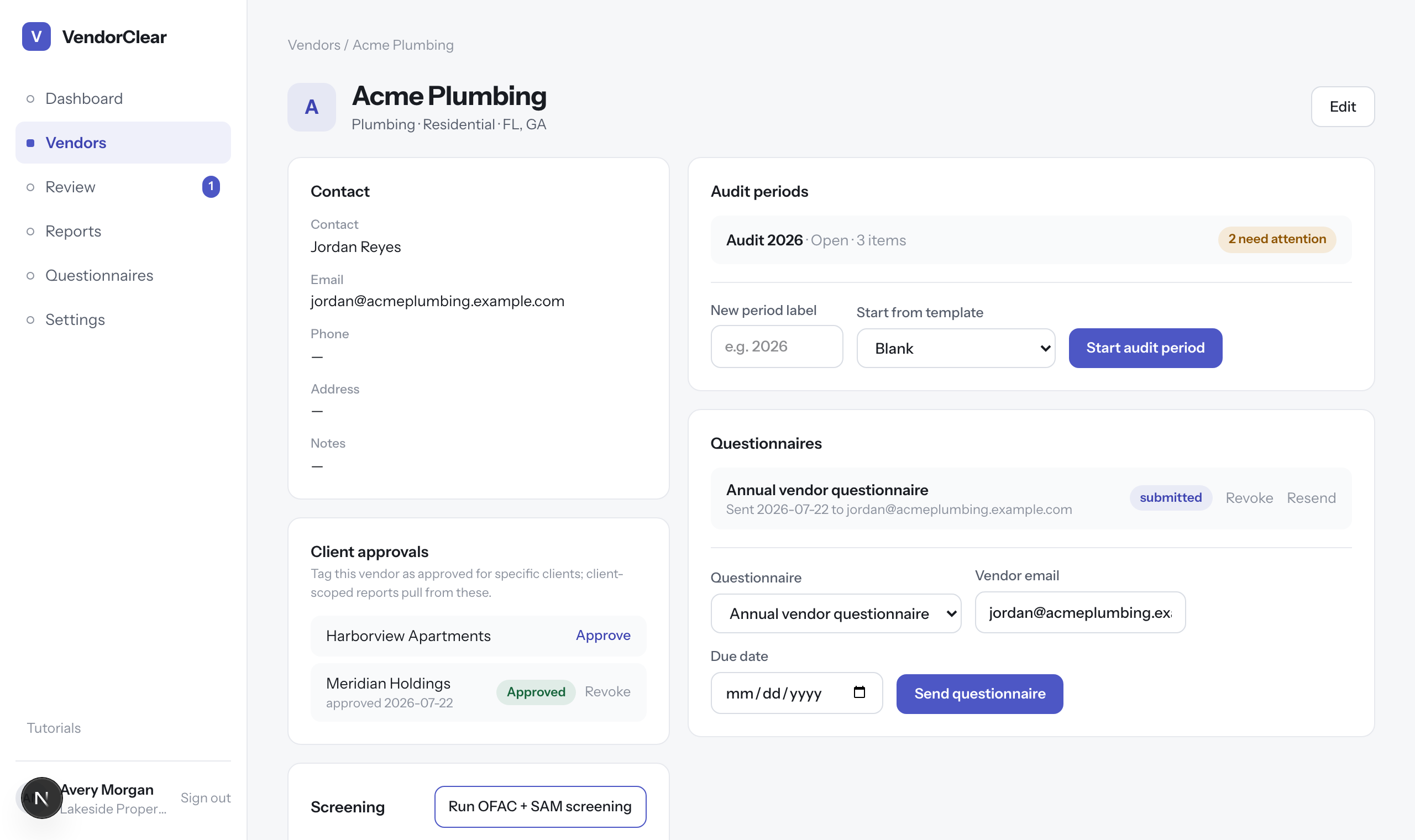
Screening history on the profile — manual and automatic runs, outcomes, and the evidence PDF for each. A clear run means no name matched above the similarity threshold. Potential matches are flagged for your judgment — similar names happen, and the report shows exactly what matched and how strongly.
- 3
Keep the evidence
Every run generates a timestamped PDF evidence report — who was searched, against which lists, and the outcome — saved to the vendor profile. That's your audit trail, the same artifact as printing the government search page to PDF, produced automatically.
- 4
Let it run itself
Screening also fires automatically whenever a vendor submits a questionnaire, and the local copy of the OFAC list refreshes weekly on its own — so results are always against current data without anyone remembering to update it.
Good to know · SAM.gov queries use your organization's SAM API key, configured by your administrator. If it's ever missing, OFAC screening still runs and the report notes that SAM was skipped.
